Upgrade December 4, 2008 � New ULE/Supersearch interface
Now you can work with ULE/SuperSearch models right in the Main Screen using these buttons:
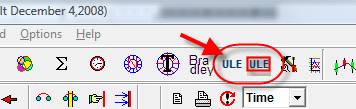
Let�s create several ULE models. Click  ��button to run ULE Models Editor.
I create two events for intraday there:
L1- �Good aspects to cardinal cusps�� MC or Asc� makes a good (60,120 degrees) aspect to any of the planets;
L2- �Bad aspects to cardinal cusps�� MC or Asc� makes a bad aspect (90,180 degrees) to any of the planets;
L1-L2 is the balance between �good� and �bad� aspects.
You can easily to create this event in Model Editor:
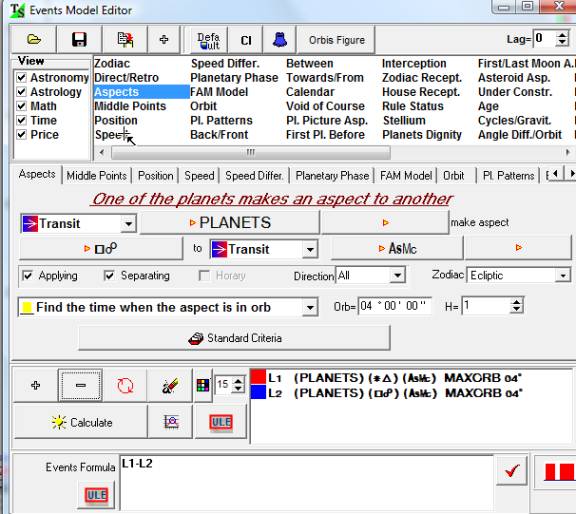
In previous versions you should click �Calculate� button to display this event on the Main Screen.
Now there is a new possibility. Click this button:
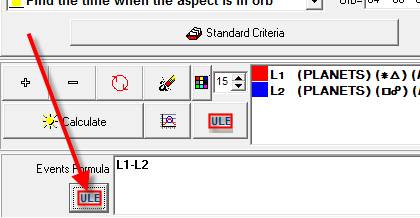
The program will display the new window (�Simple Model�) and will display the balance between �good� and �bad� aspects on the main screen. Here it is:
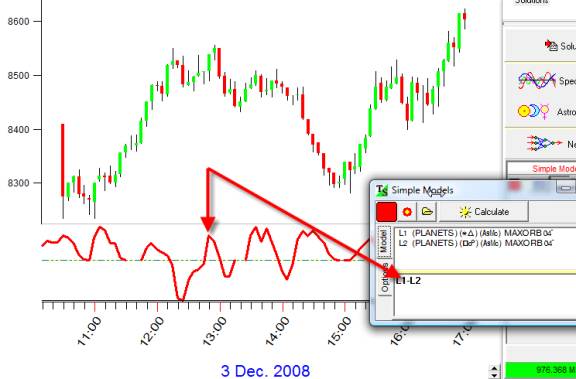
You can totally control the appearance of this curve:
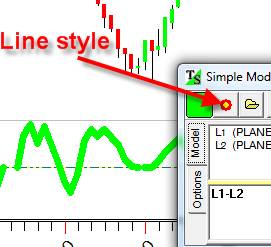
Clicking this button you can modify the style of the line (its color and thickness):
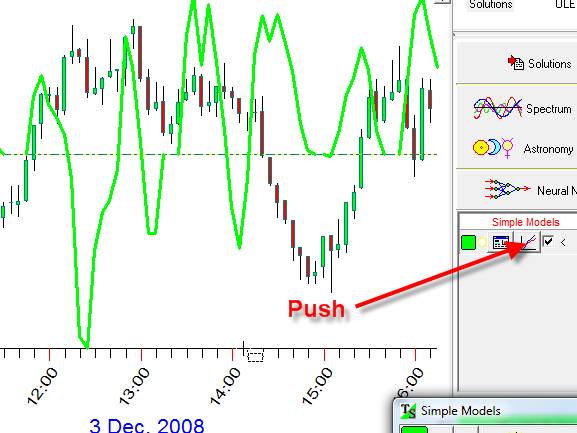
Pushing this button you can display this curve together with the price chart:
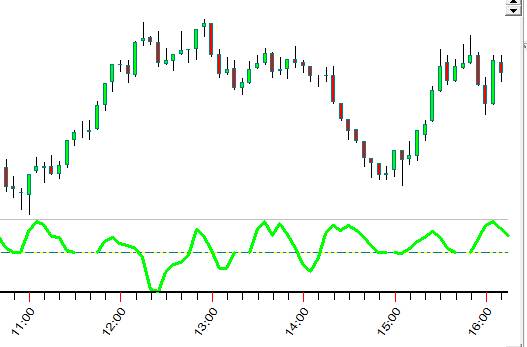
or display this curve on a separate panel:
Let�s continue our research. Suppose we need to display separately the diagrams for �Good� and �Bad� aspects.
It is very easy. In Model Editor highlight �Good�� L1- event and click this button:
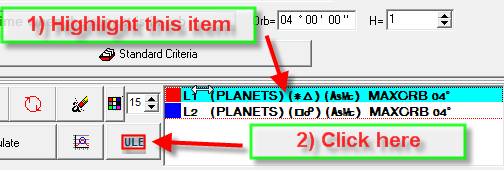
Do the same for �Bad� L2 event.
Now all these events are in the Main Screen:
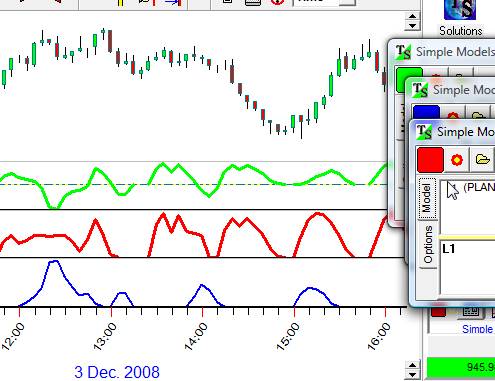
You can manipulate with this screen:
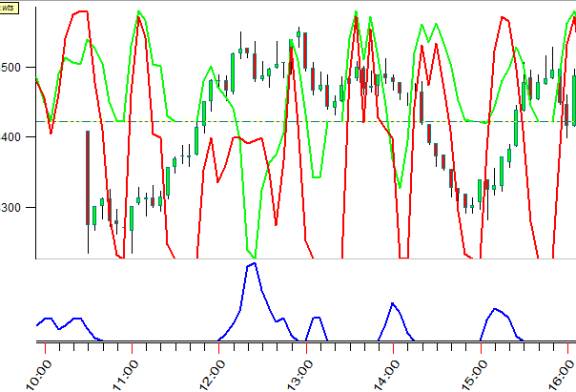
Also you can save your work into TS Worksheet:
 �
�